
Every month you read each room's electricity and water meters and enter them in VinaBos. The system picks up the previous reading, works out the usage and the amount at the service rate, then adds it to that period's invoice. Recording one room takes about 1 minute.
Before you start
- The room has metered services (electricity, water), usually because the room's contract has these services ticked.
- Your role needs the record meter readings permission.
- Have the current meter readings ready. Take a photo of each meter so you can show it if a tenant has questions.
- Record every room before you generate that period's invoices.
Steps
Open the Meter readings page
In the left menu, under Finance, click Meter readings. The page lists past entries, with filters for building, service (electricity, water) and status "Not invoiced" or "Invoiced".
Click Record readings
Click Record readings (①) in the top right corner.
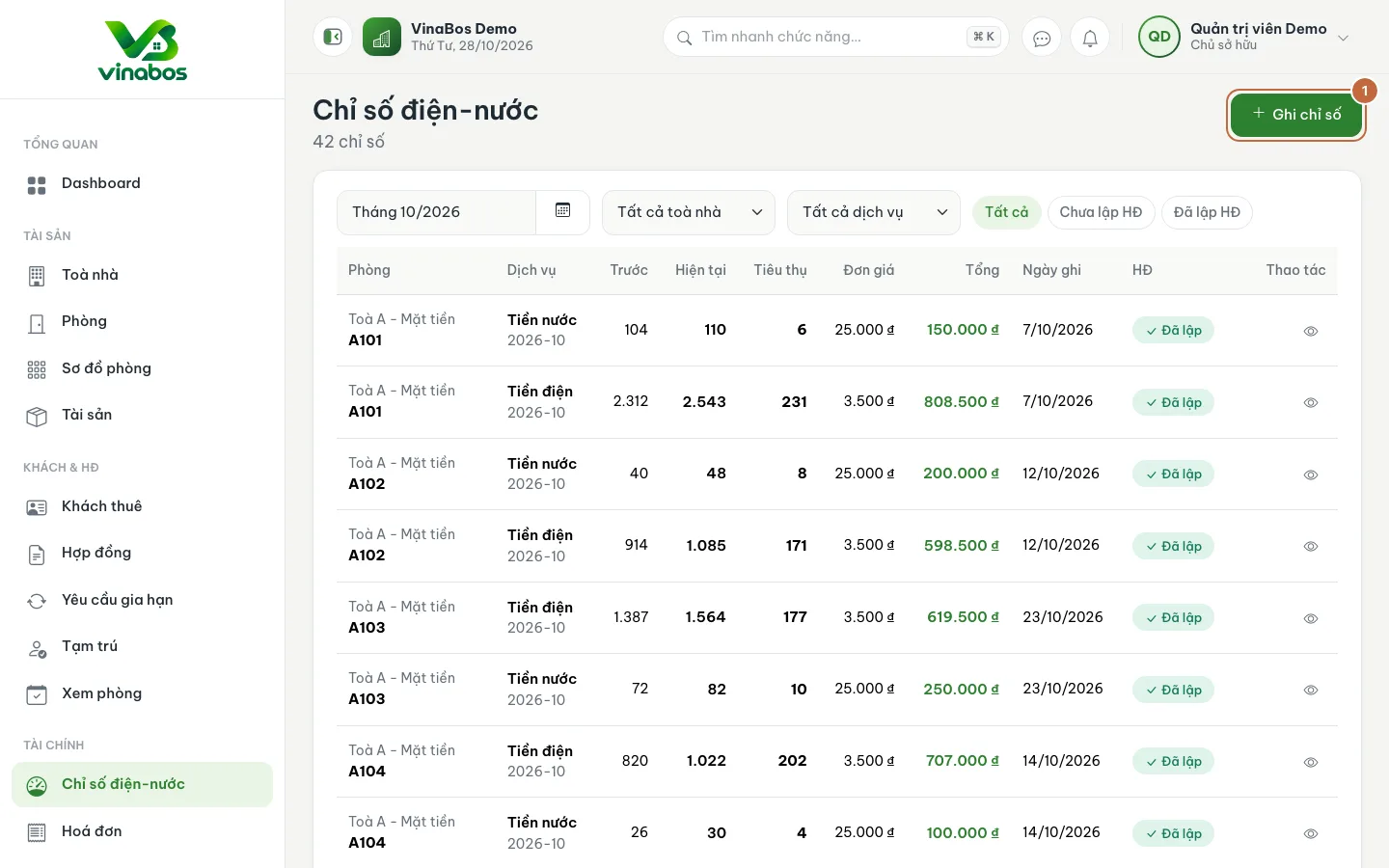
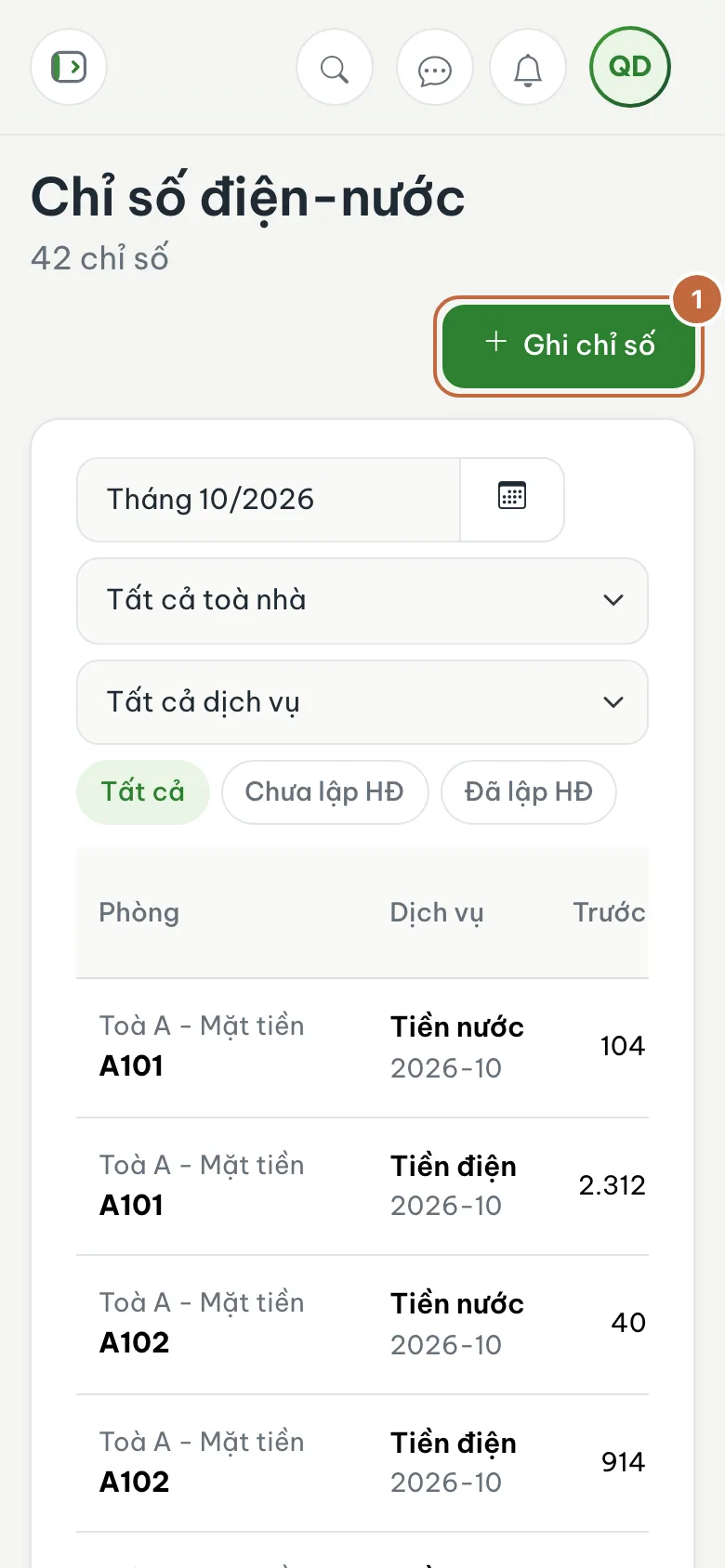
Meter readings list with the Record readings button (①) Choose the building, room and period
In the Room & period block, choose the Building (①), then the Room (②). The Period defaults to the current month; change it if you are catching up on a previous month. Once you pick a room, its readings table appears.
Enter the current readings
The Period readings table lists each metered service. The Previous reading column is already filled in. You only type the Current reading, which must be greater than or equal to the previous one. Usage and Amount are calculated right beside it. You can add a note if needed.
Save the readings
Click Save readings (③) to save this room. Go back to the room picker to record the next room.
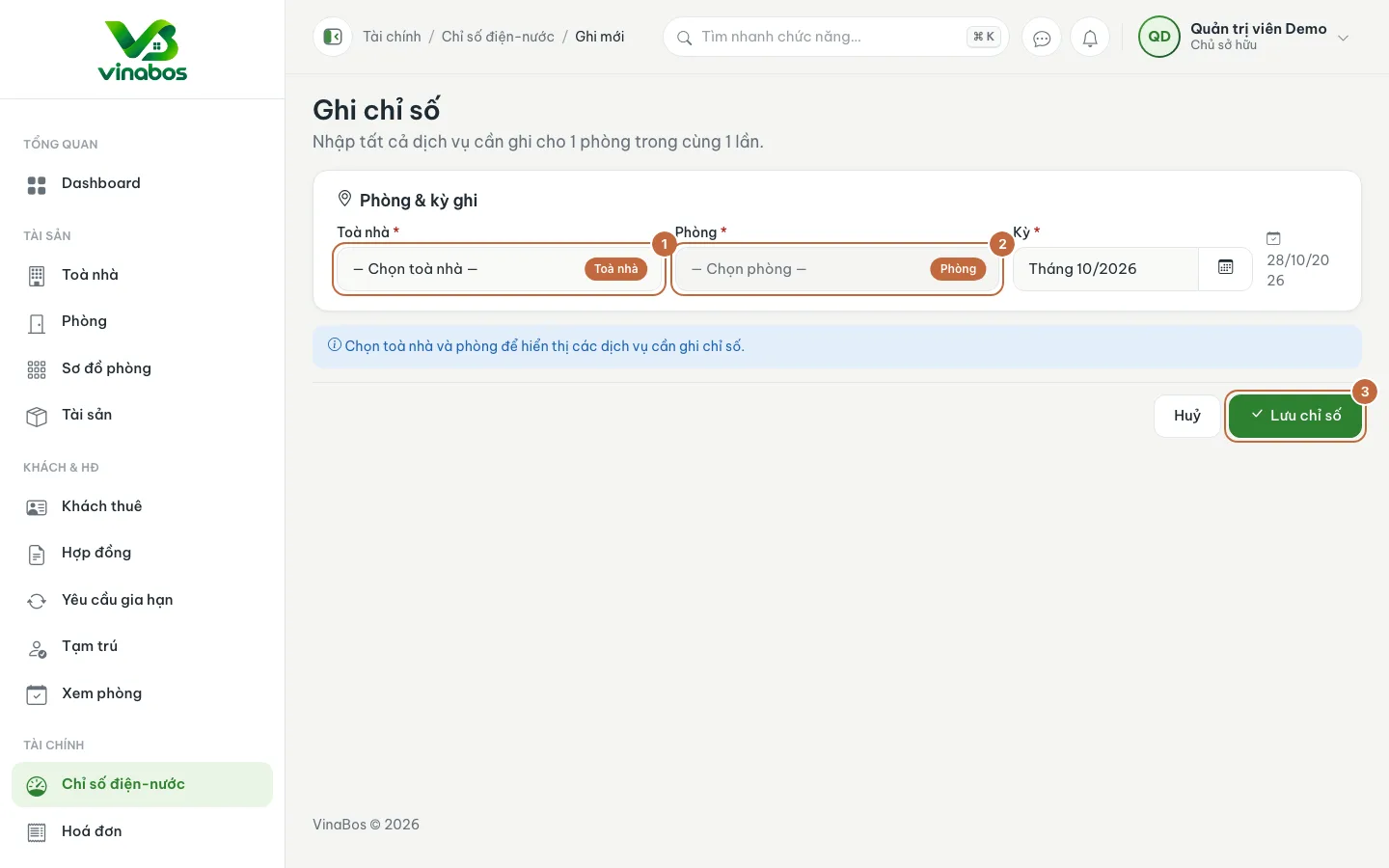
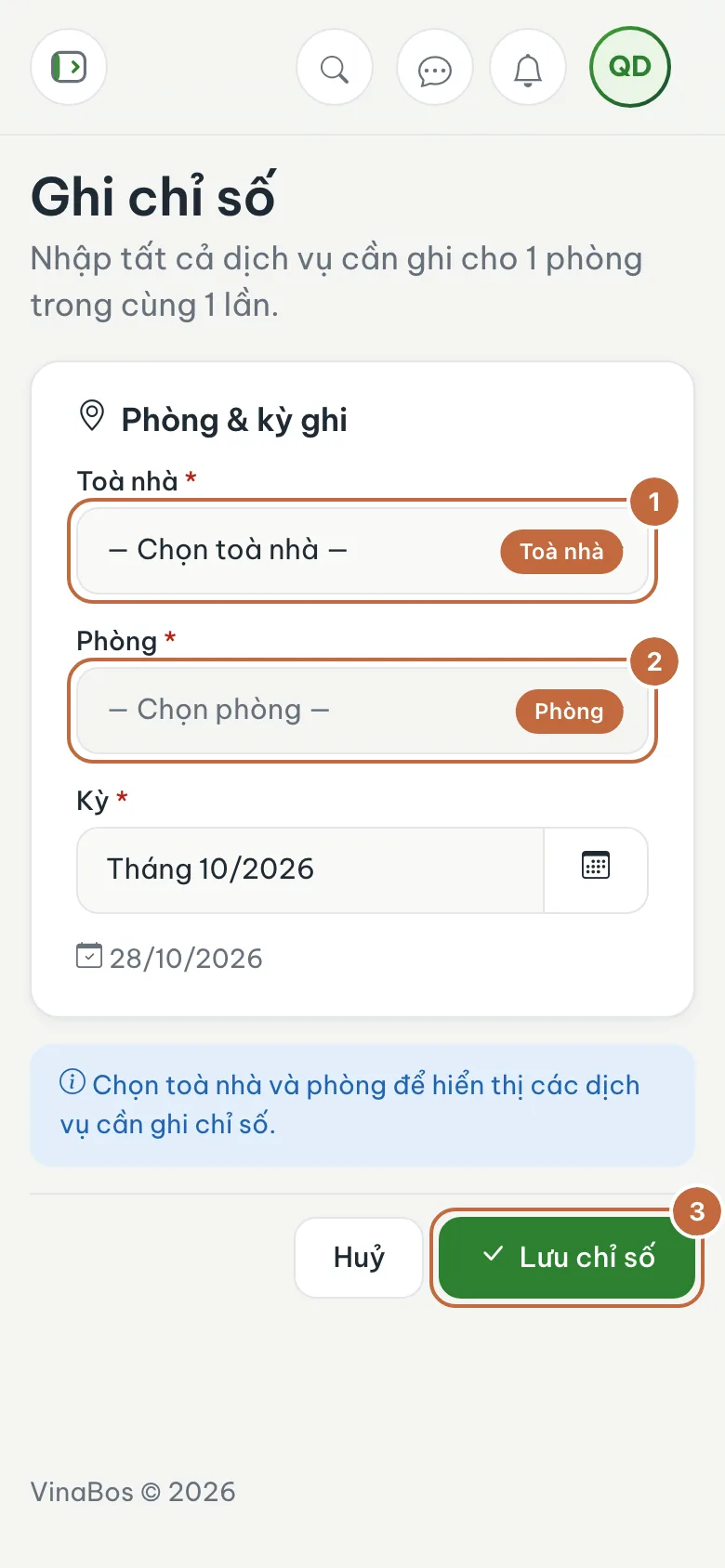
Record readings form: choose the building, room and the Save readings button
Pick a fixed day each month (for example the 28th) to read every room's meters, then enter them all in one go. That way you do not miss any room and tenants get used to the schedule.
Readings that have already been used to generate an invoice are locked and cannot be edited. If you entered a wrong value, cancel the related invoice first and then correct the reading. So double-check the numbers before saving.
On mobile
Recording readings suits a phone well, right in the hallway: open the page in your browser, pick the room and type the numbers on the numeric keypad. On a small screen the readings table scrolls sideways if needed.
FAQ
The readings table is empty, or the room has no services
The room has no metered services (electricity, water) yet. Check that the room's contract has these services ticked and that the services in Settings › Services & fees are switched on.
Can I enter a current reading lower than the previous one?
No. The field requires a number greater than or equal to the previous reading. If the meter was replaced, ask a manager to handle it separately and note the reason clearly.
Where do electricity and water rates come from?
From Settings › Services & fees and from the services you chose in that room's contract. You never have to calculate the amount yourself.
Next step
All readings are in. Now generate invoices for the whole period: Create invoices and collect payments →
Was this article helpful?
Thanks for your feedback!