A blown light bulb, a dripping tap or an air conditioner that no longer cools: instead of calling over and over, send a request in the VinaBos app. Your landlord receives it right away, assigns someone to handle it, and you follow progress in one place, with the history of earlier requests.
Before you start
- You are signed in to the app; see Sign in to the VinaBos app.
- Your landlord is on a plan that includes issues and requests. If you cannot see Requests, call them directly.
- If possible, take a photo of the problem so the repairer can bring the right tools.
Steps
Open Requests
On the bottom bar, tap Requests. The My requests screen shows how many requests are in progress and your Request history.
Create a new request
Tap Create new request. Fill in the Issue details: a title, a category (electrical, plumbing, equipment...) and a clear description of the symptoms and when they started. For Location, choose your room.
Choose a priority and attach photos
Under Priority & timing, choose a suitable priority and note a convenient time for the repairer to visit. Add photos under Photos / attached documents. Choose urgent only for real danger such as an electrical short or a major leak.
Send and follow up
Tap Send request. The app confirms "Support request sent successfully". On your landlord's side your request appears as a ticket with each step tracked, as shown below. You see the status updates in your Request history.
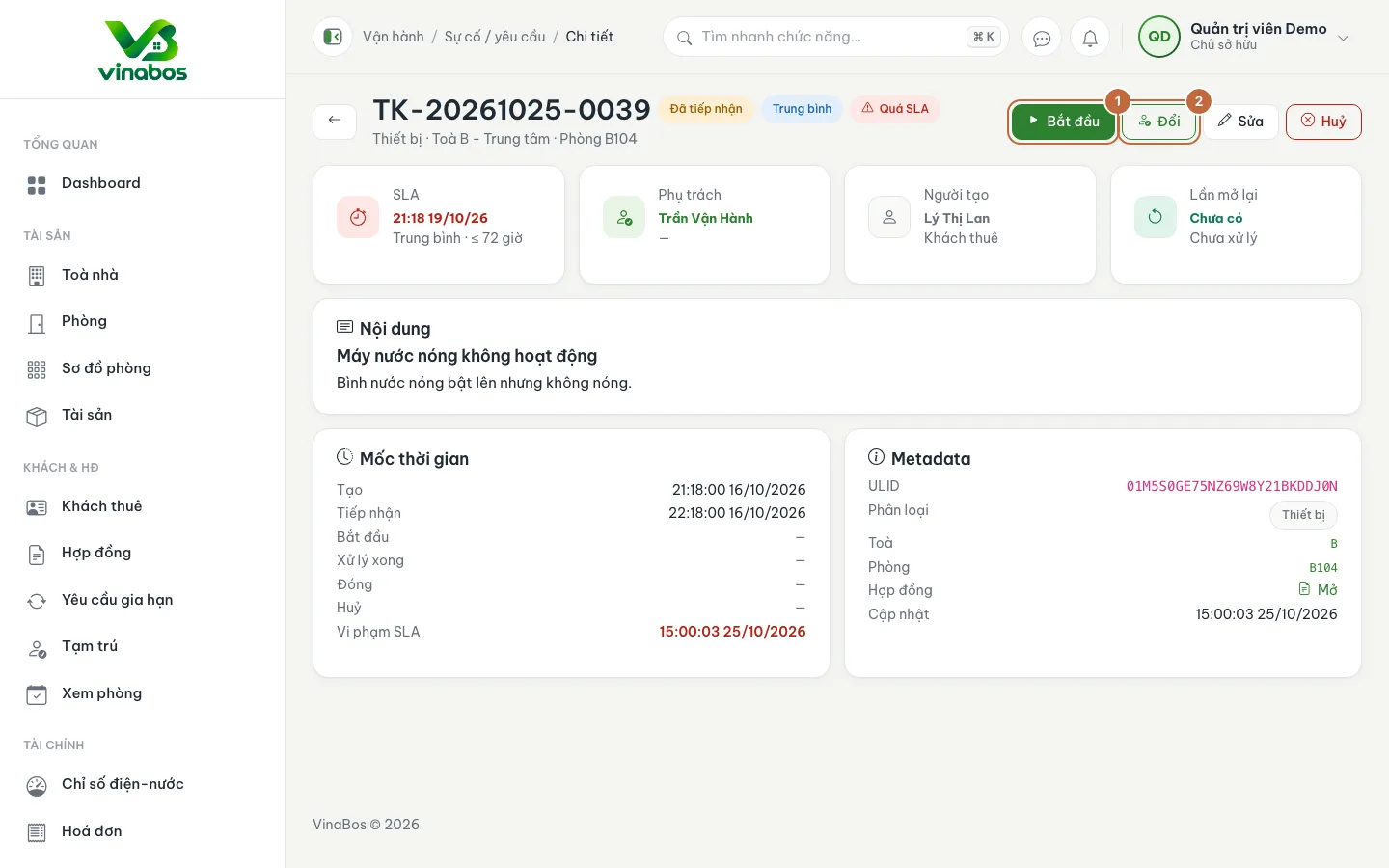
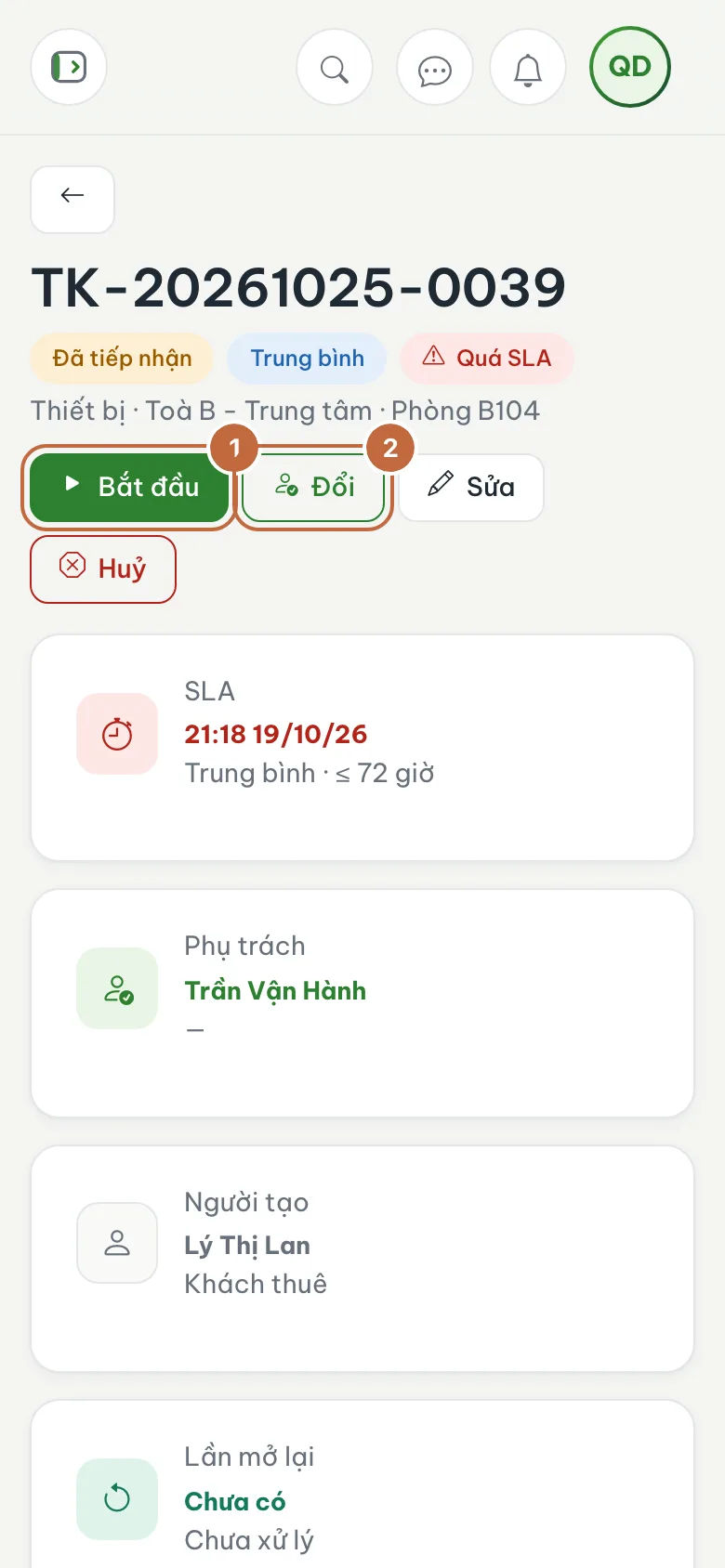
A request as seen by the landlord: every handling step (Acknowledged, Started, Resolved, Closed) is recorded
The more specific the description (which room, since when, what you already tried), the faster your landlord can act. One photo is worth ten lines of text.
For dangerous problems such as fire, a serious electrical short or major flooding, call your landlord or the emergency number right away. Do not just wait for the request in the app.
FAQ
How long until my request is handled?
Each priority has a target handling time: urgent within a few hours, normal within a few days. If it takes too long, message your landlord under Messages.
I sent a request by mistake
Message your landlord and explain so they can cancel it. Then simply send the correct request again.
Next step
Was this article helpful?
Thanks for your feedback!