
Every property has a few tradespeople it relies on. The vendor directory in VinaBos lets you and your other staff find the right person when an issue comes up, with their specialty, service areas and a reference quote. After each job you give a star rating so you can pick the best one next time.
Before you start
- Your plan includes the Vendors / repairers feature and your role has permission to create vendors.
- Have the name, phone number, specialty and areas the tradesperson works in ready.
Steps
Open the Vendors page
In the menu, under the Operations group, click Vendors. Use the search box (name, phone, contact person) and pick a specialty to filter. The All, Active and Inactive buttons filter by status.
Click Add vendor
Click Add vendor (①) in the top right corner.
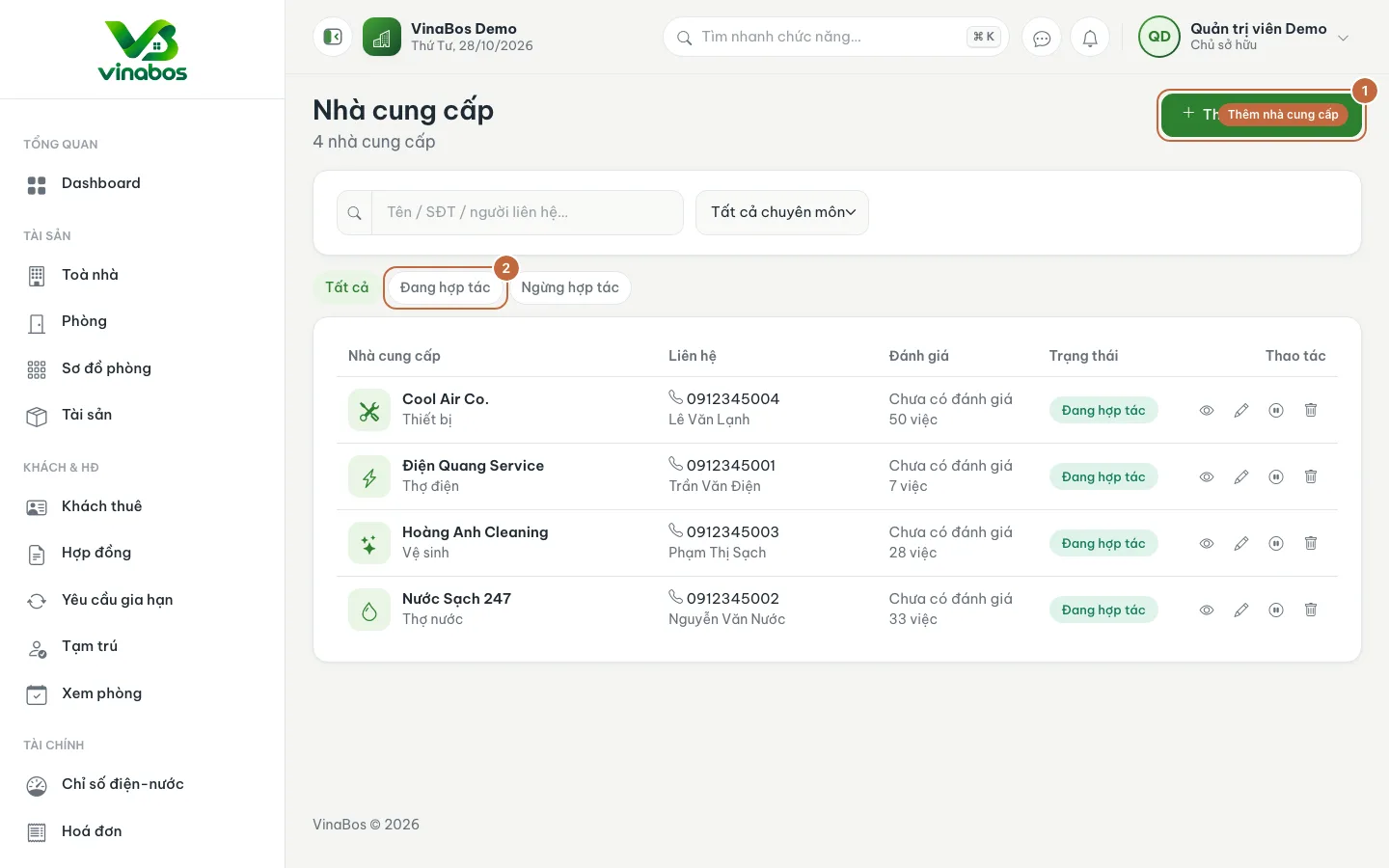
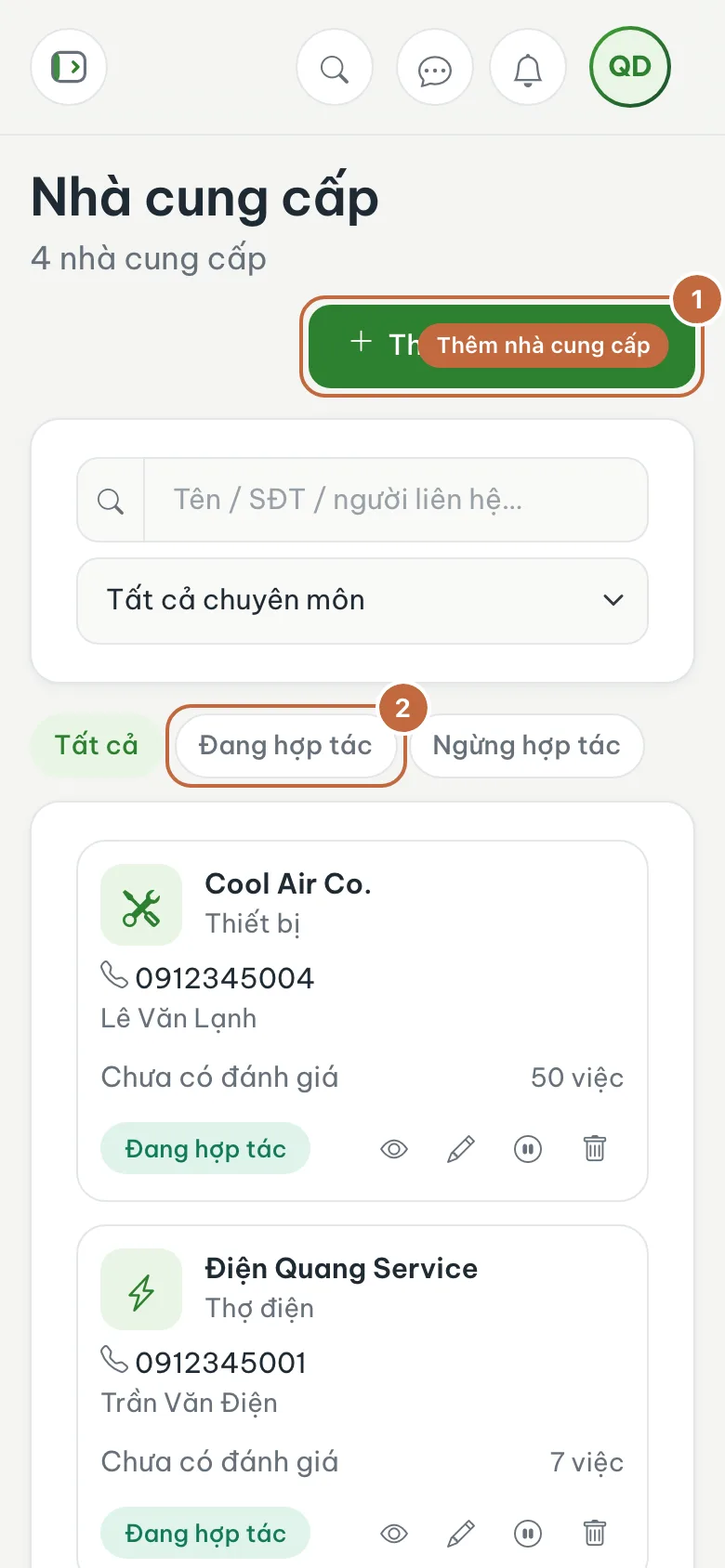
Vendor list with the Add vendor button (①) and the Active filter (②) Enter the details
Fill in the Name (①) and choose the Specialty (②) such as electrician, plumber, cleaning, security or construction. Enter the Phone number (required), Contact person, Email, Address, Service areas (separated by commas) and Pricing / price notes.
Save
Leave the Active switch on, then click Create vendor (③).
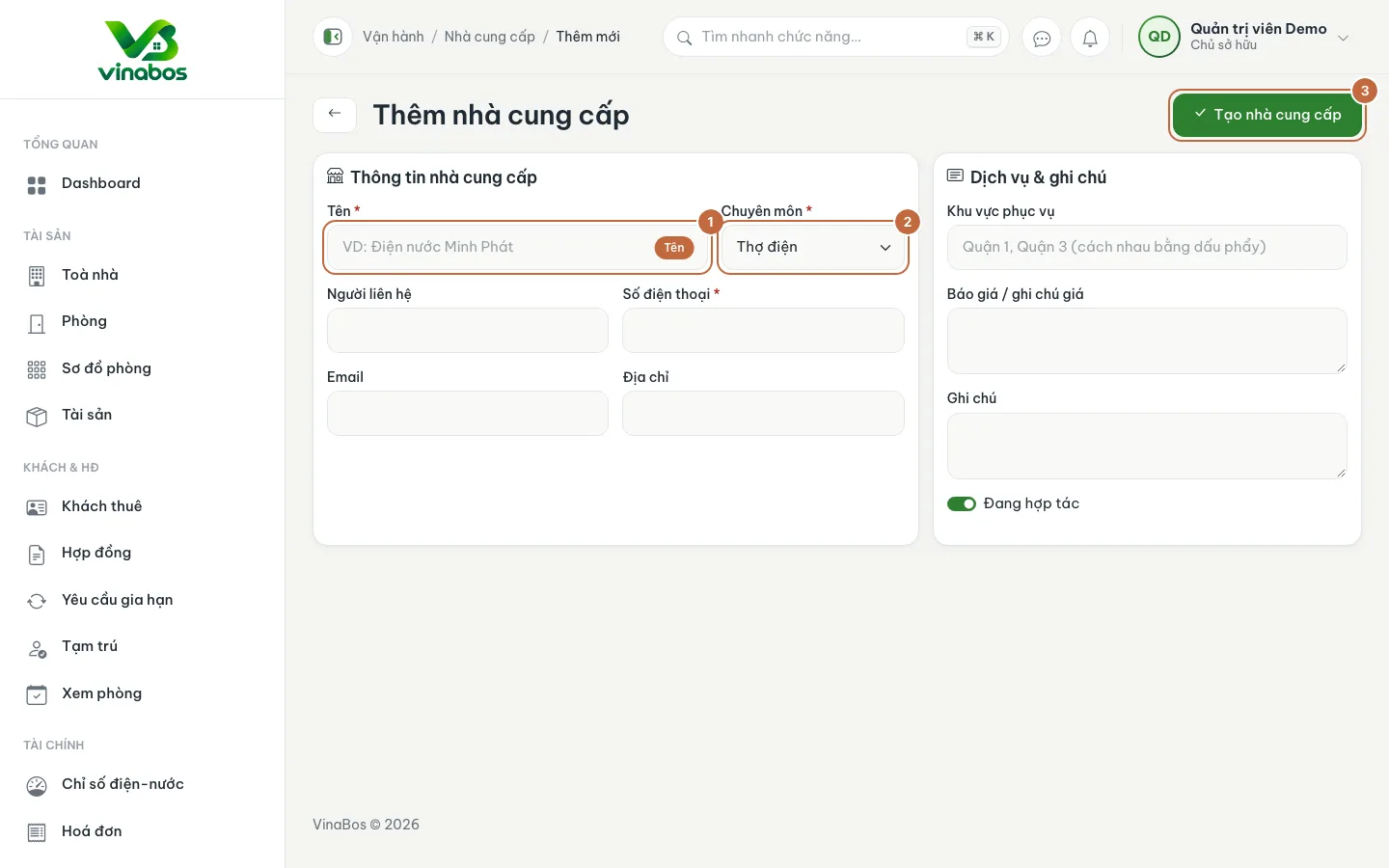
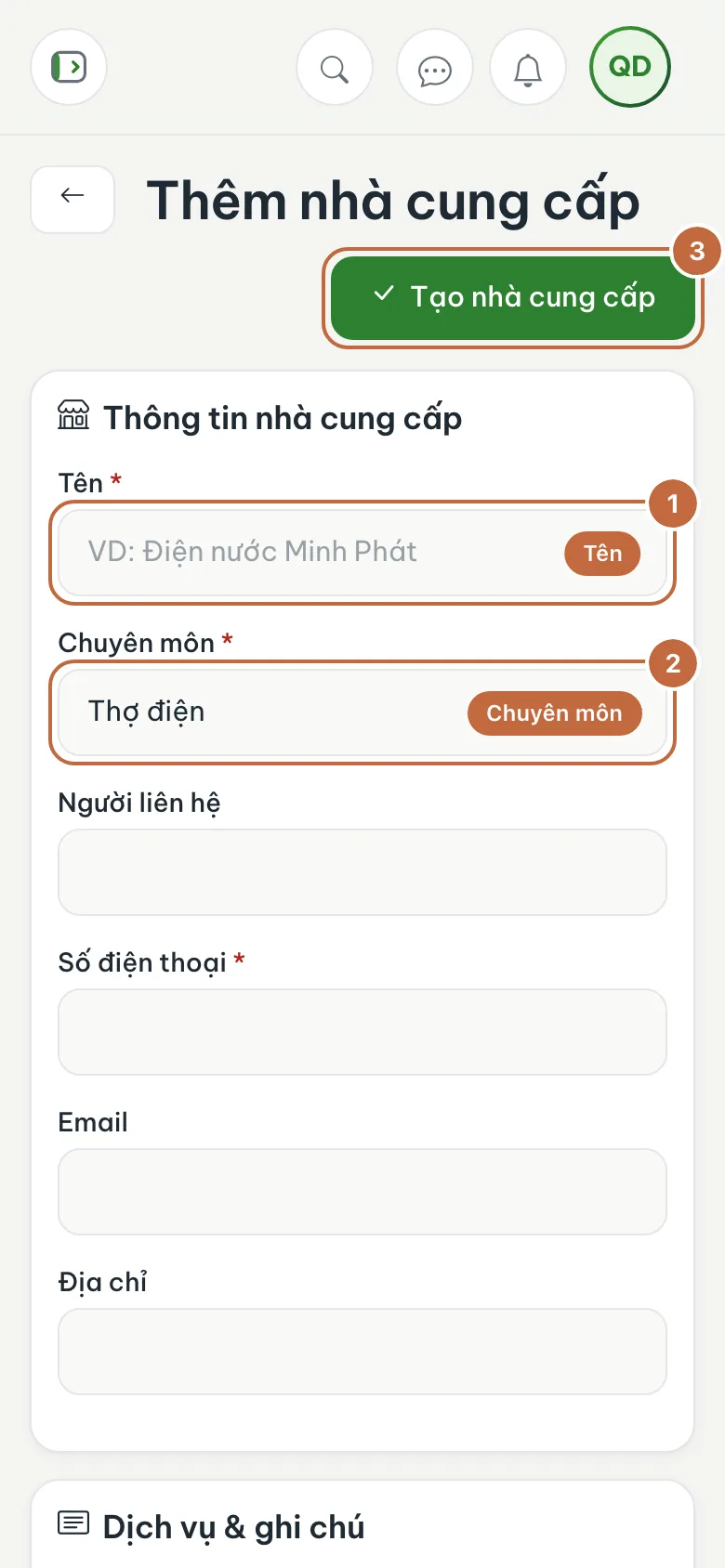
Add vendor form: Name (①), Specialty (②) and the Create vendor button (③) Rate after the job
Open the vendor's details, choose a Star rating, optionally write a comment, and submit the review. When you stop working with them, click Deactivate, and click Activate if you need them again.
Be specific about service areas (for example District 1, District 3). When an issue comes up, you can filter for the nearest person.
The quote here is for reference only; VinaBos does not calculate repair costs. You record the actual cost under Expenses; see Record and approve expenses.
FAQ
Can vendors see my data?
No. This is just an internal directory for your organization; vendors have no account in the system.
Delete or deactivate?
Prefer Deactivate to keep the history and old ratings. Only delete if you entered something by mistake.
Next step
Was this article helpful?
Thanks for your feedback!