
When someone calls asking to rent a room, you set up a viewing. VinaBos' viewing schedule gathers every appointment in one place: who booked, which room, when and how it went. Whoever is on duty knows the schedule, and you never lose a potential tenant.
Before you start
- Your plan includes the Room viewings feature and your role has permission to create appointments.
- The building and rooms are already in the system; see Create buildings, floors and rooms.
- You know the visitor's name and phone number.
Steps
Open Viewings
In the menu, under Tenants & contracts, click Viewings. The Room viewings page lists appointments. The status buttons Pending confirmation, Confirmed, Viewed, No-show and Cancelled filter quickly. You can also filter by building and date range.
Click Book viewing
Click Book viewing (①) in the top right corner.
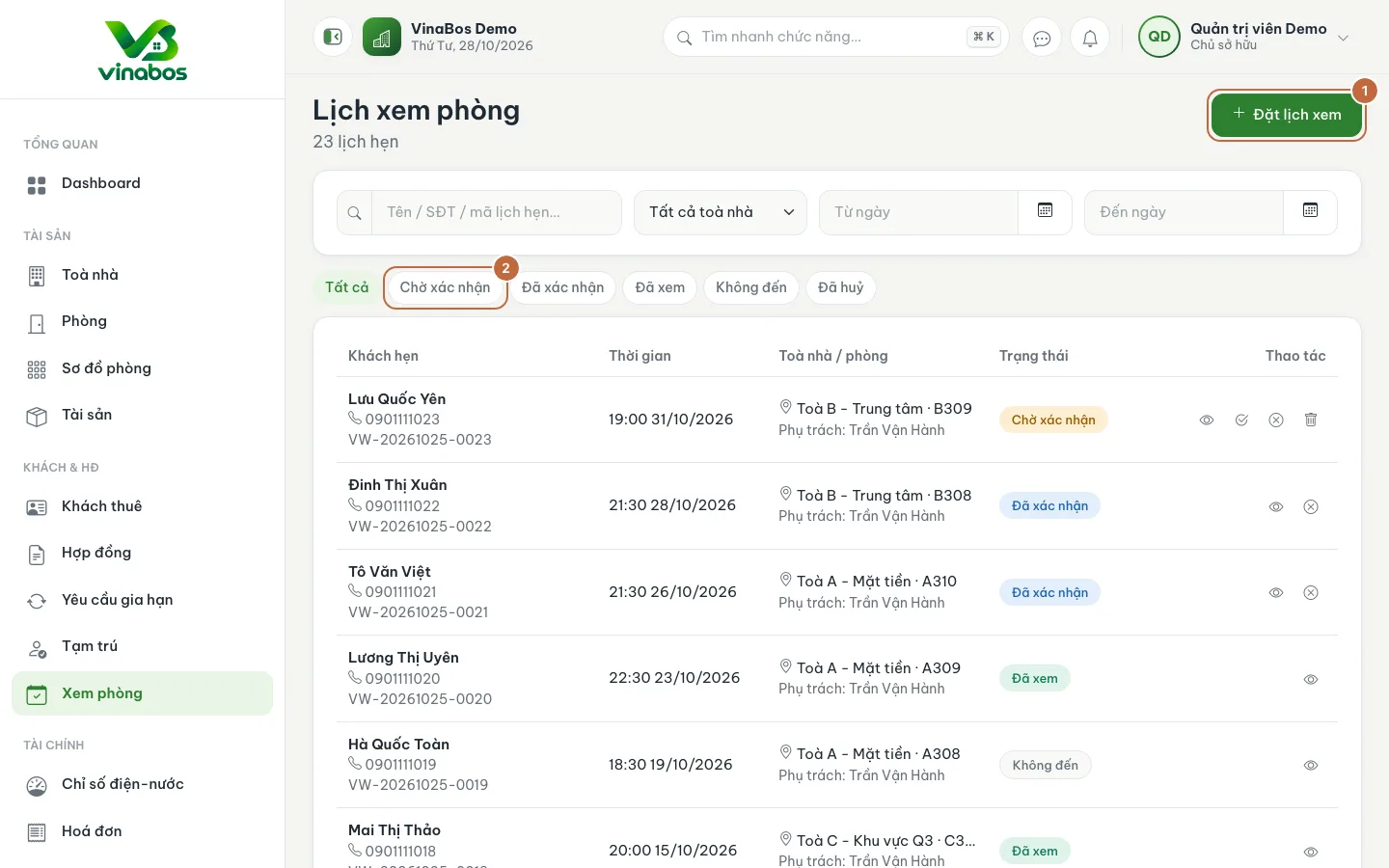
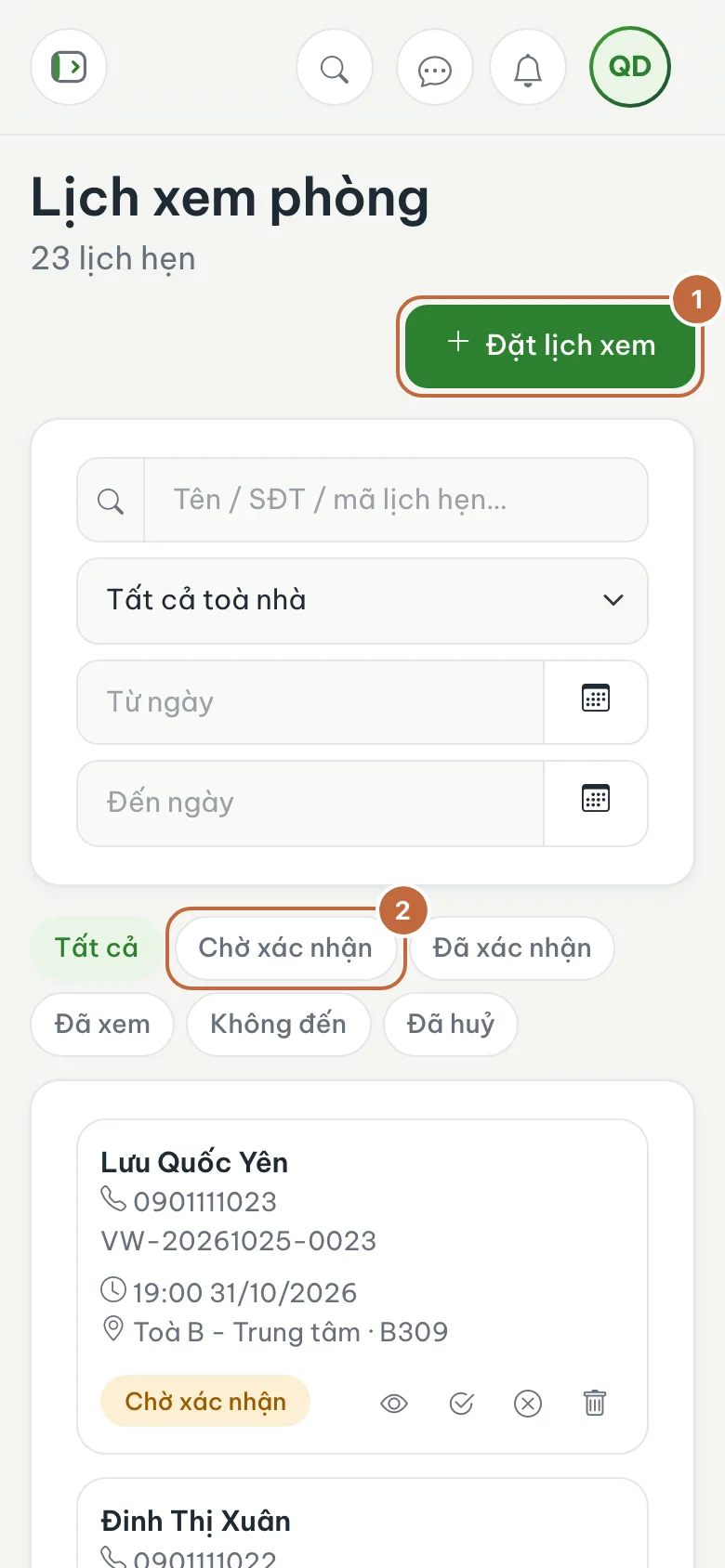
Room viewings with the Book viewing button (①) and the Pending confirmation filter (②) Enter the visitor's details and the time
Fill in Lead name (①) and Phone number, add an Email if you have one, and choose the Lead source (Facebook, Zalo, referral, walk-in...). Choose the Viewing time, the Building and, if the visitor has a room in mind, the Room to view. Click Create viewing (②).
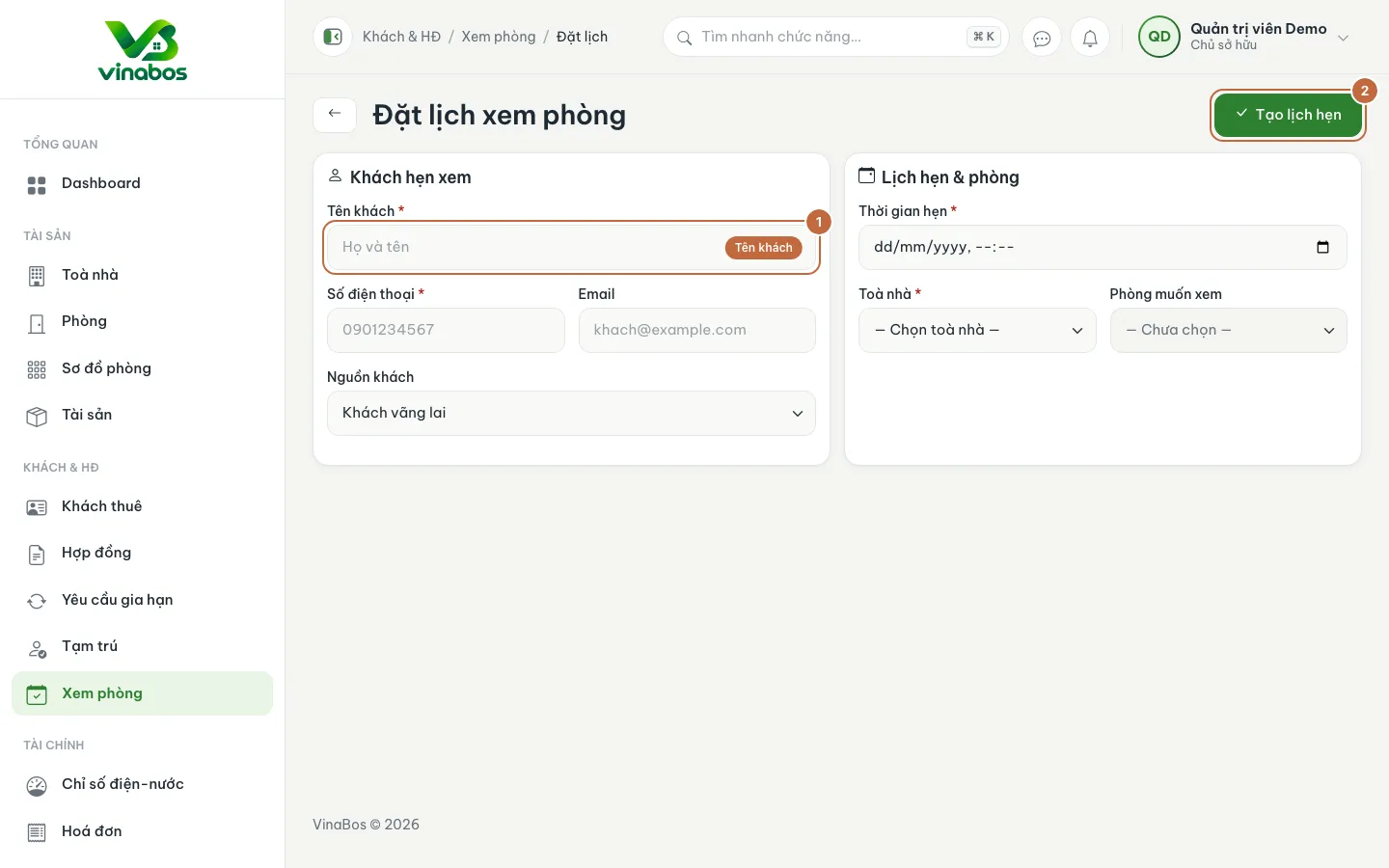
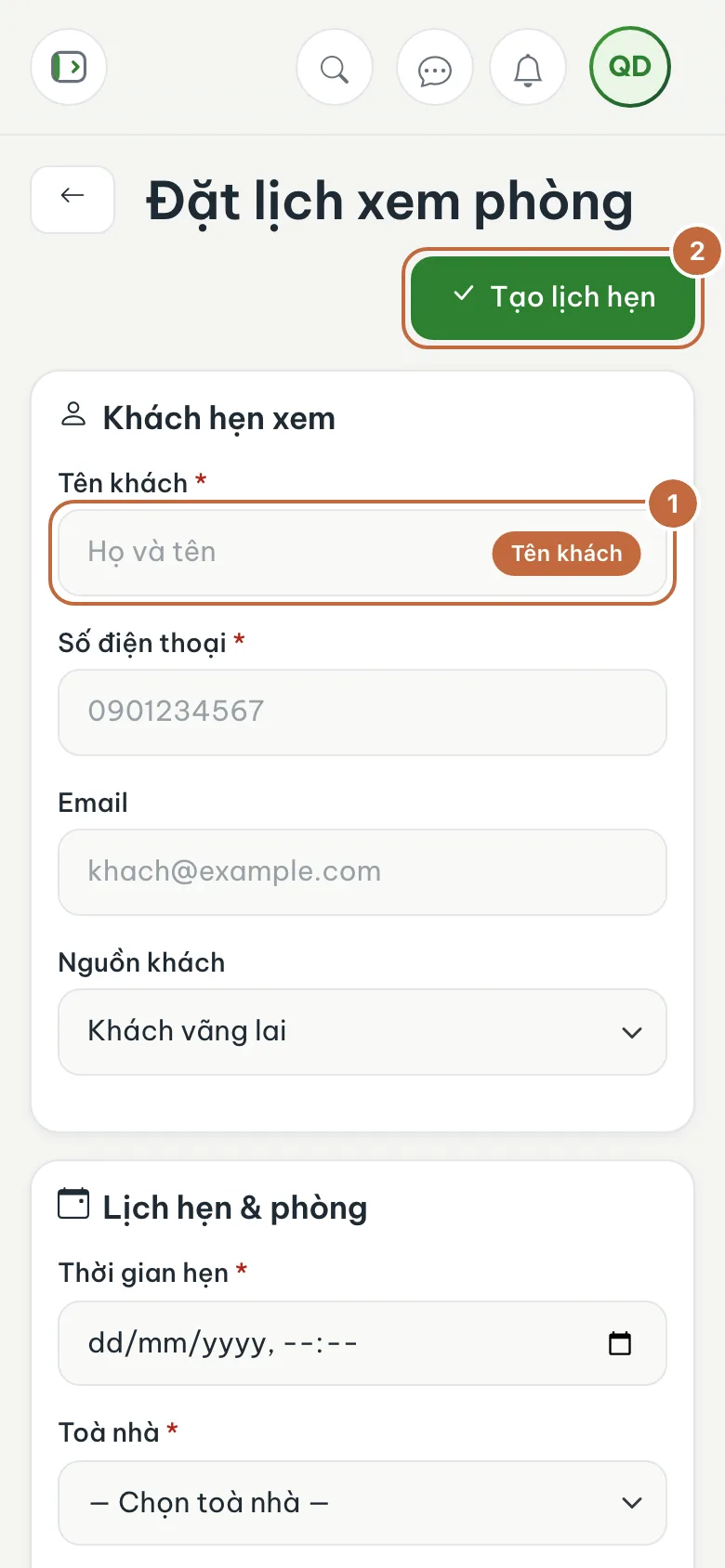
Book viewing form: Lead name (①) and the Create viewing button (②) Confirm the appointment
Open the new appointment (status Pending confirmation) and click Confirm after you have called the visitor. If they change their mind, click Cancel viewing.
Complete the viewing
After the visitor has seen the room, click Complete the viewing, choose the Outcome and add a note, then click Complete. If they decide to rent, you create a contract and the appointment is linked to it.
Always record the right Lead source when booking. After a few months you will know which channel (Facebook, Zalo, referrals) brings in the most tenants.
If a visitor does not turn up, mark them No-show instead of deleting, so you keep the history when they call again.
FAQ
Can I send reminders to visitors?
This screen is mainly for managing the schedule internally. Call or message the visitor before the appointment to make sure they come.
I deleted an appointment by mistake
The Delete button removes the appointment completely. Normally you should use Cancel viewing so a trace remains.
Next step
Did the visitor decide to rent? Add a tenant and create a contract →
Was this article helpful?
Thanks for your feedback!